For food creators
Your back catalog, back on the map.
Connect your own Instagram and every place you reviewed becomes a pin that links back to your reel. You approve each spot before it is public.
Official Instagram login · your posts only · unpublish anytime
What you get
Your reviews keep sending people out to eat.
-
Old posts keep working
A reel from last year is still a good tip. Each place you reviewed stays a pin on the map, and a tap opens your original reel, so the view counts on your post.
-
A map with your name on it
Publish your map at bymi.app/map/yourhandle and put the link in your bio. Followers find every spot you posted, by neighborhood and by food.
-
See the visits you drove
When someone opens your spot on Bymi and then checks in at the restaurant, you get the credit. Your dashboard shows visits and saves for each spot.
-
Invites from restaurants
Restaurants on Bymi can invite you to visit, for example with a comped meal. You accept, suggest other terms, or decline.
How it works
From your feed to your map in four steps
- 1Connect InstagramSign in with Instagram’s official login. Bymi reads only your own posts.
- 2Approve your spotsBymi finds the restaurants in your posts. You approve, fix or reject each one.
- 3Publish your mapTurn your map on and share bymi.app/map/yourhandle. Turn it off at any time.
- 4See your visitsCheck-ins from your posts show in your dashboard, and restaurants can invite you.
After you publish
What happens with every pin.
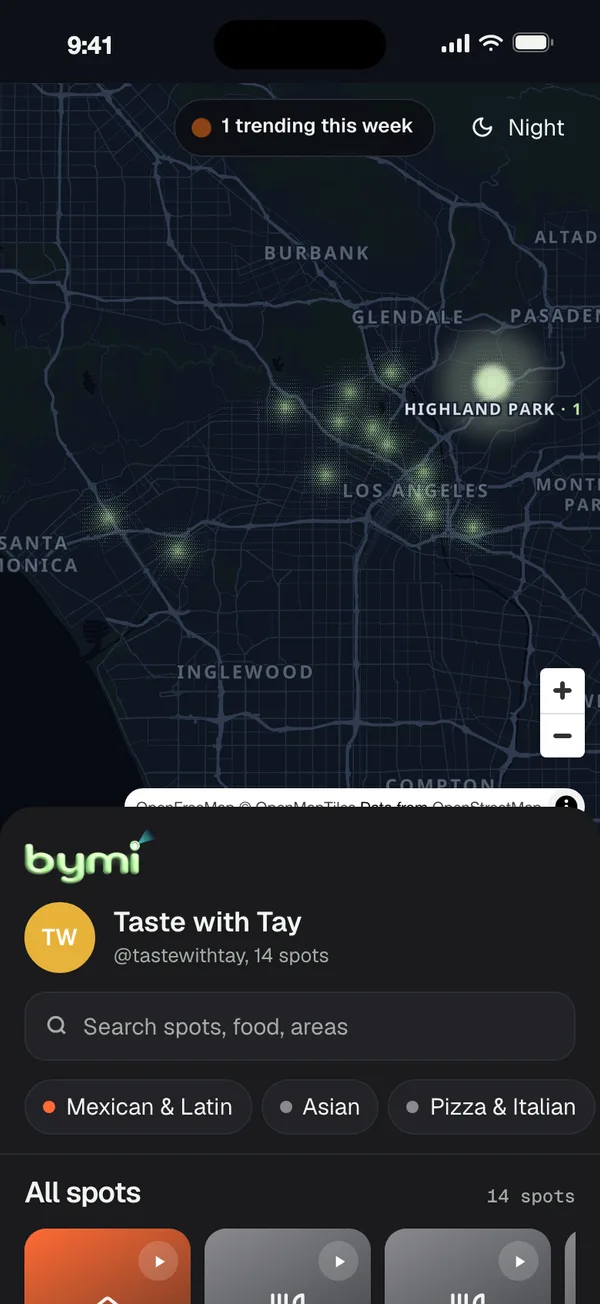
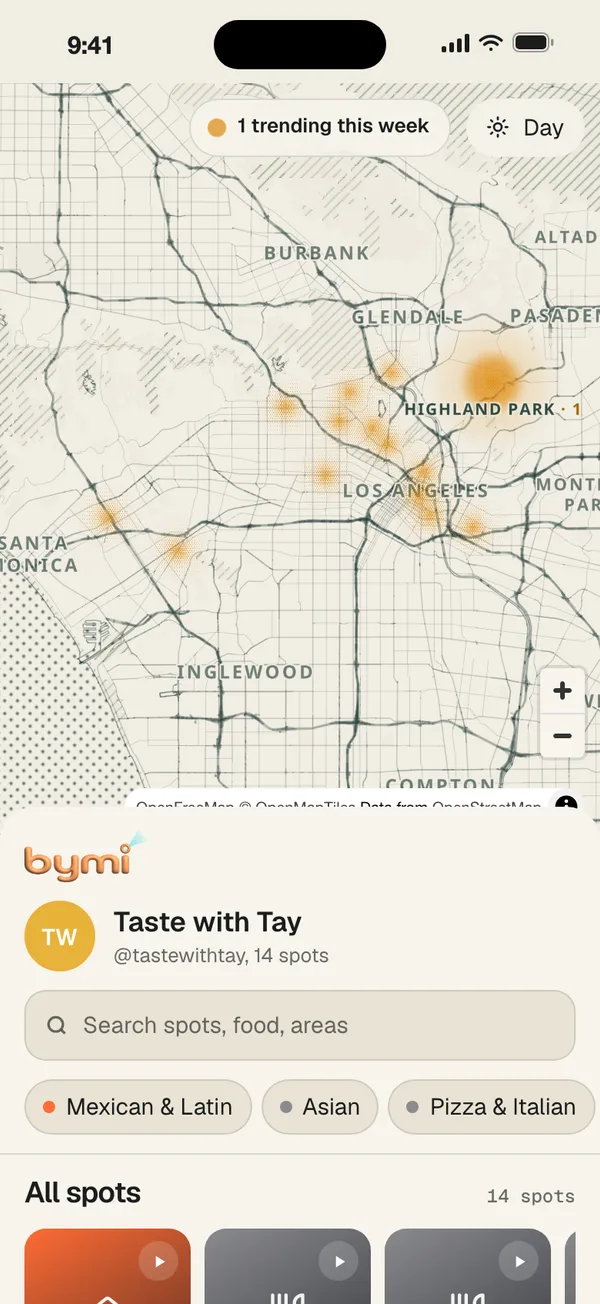
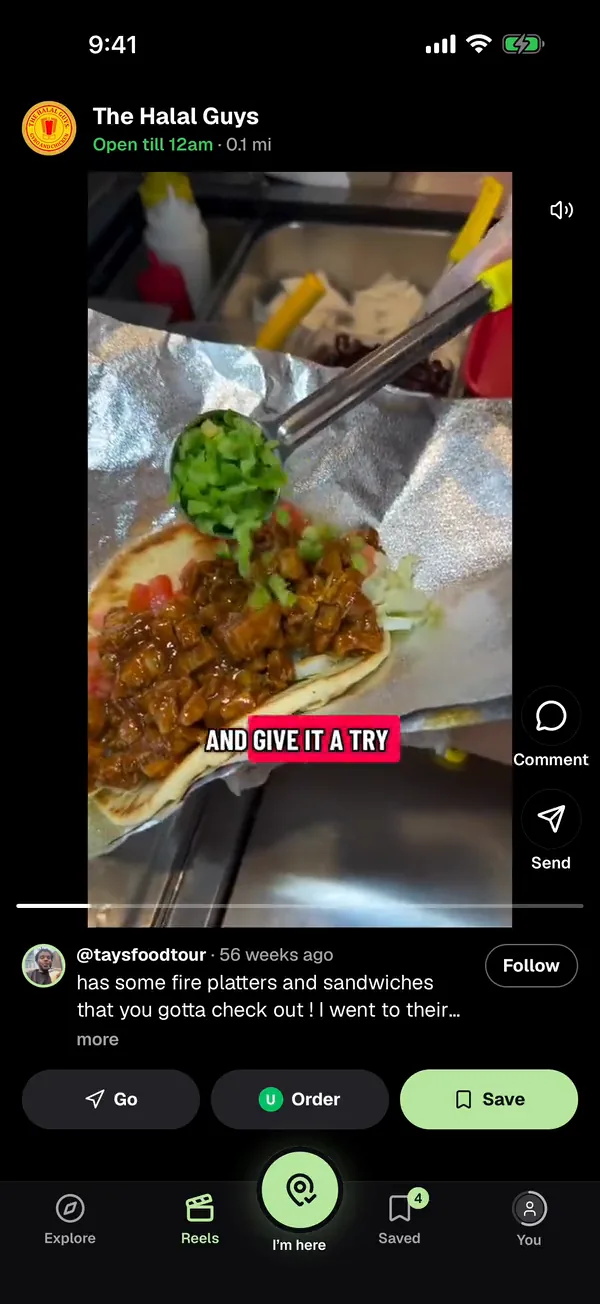
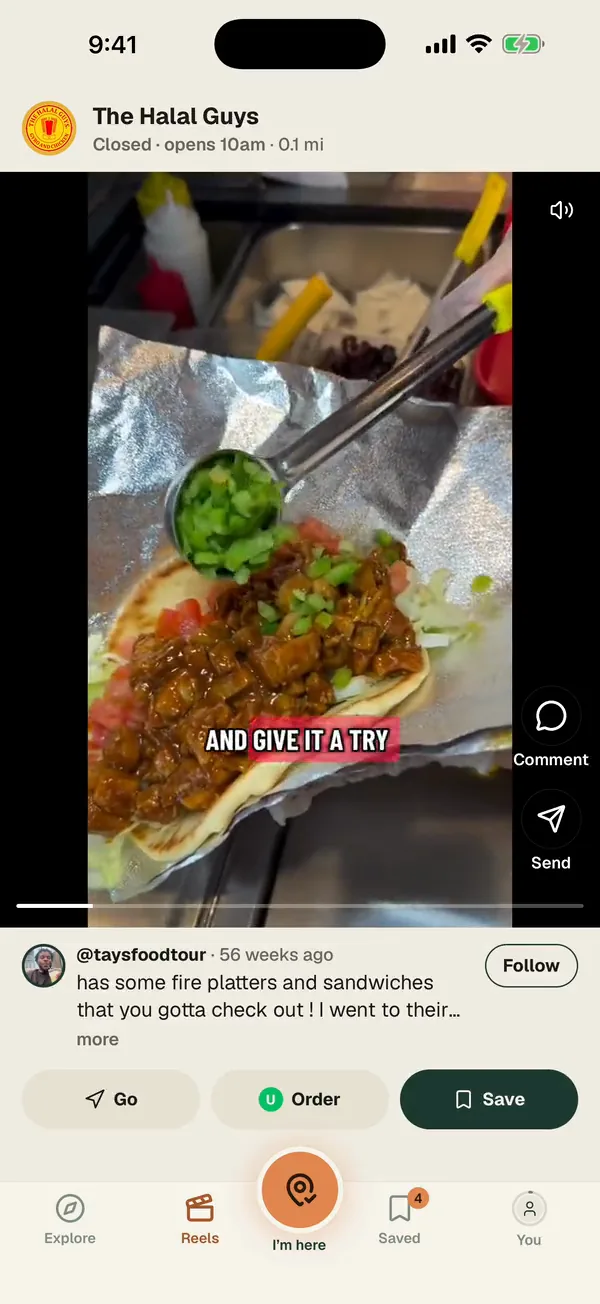
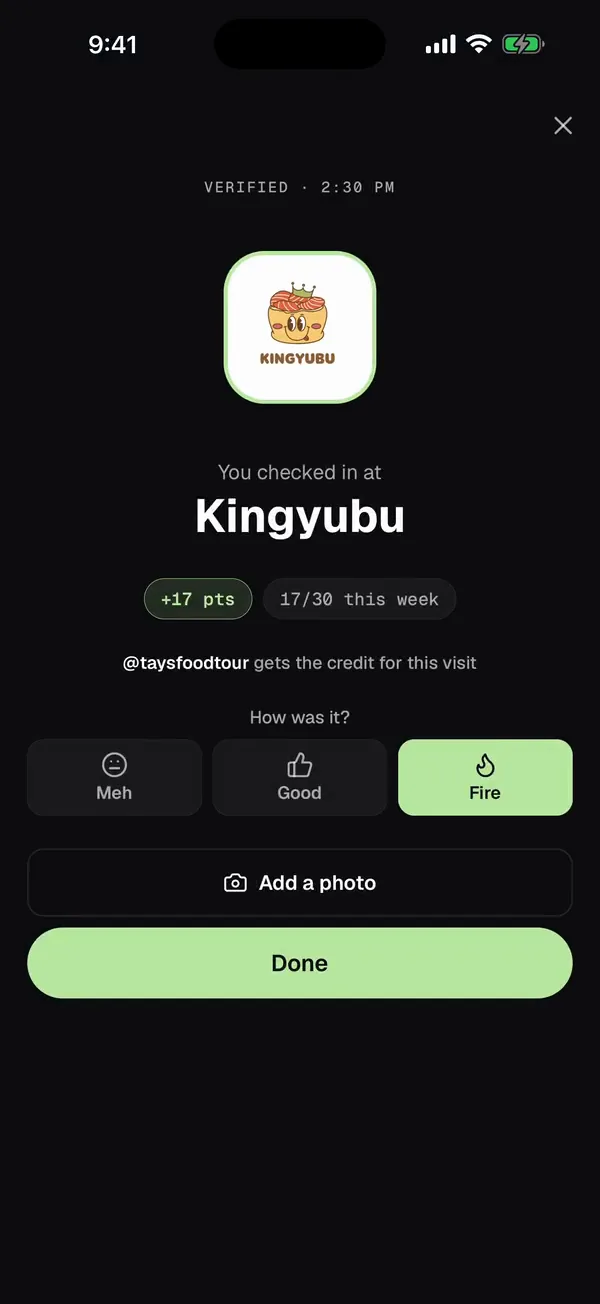
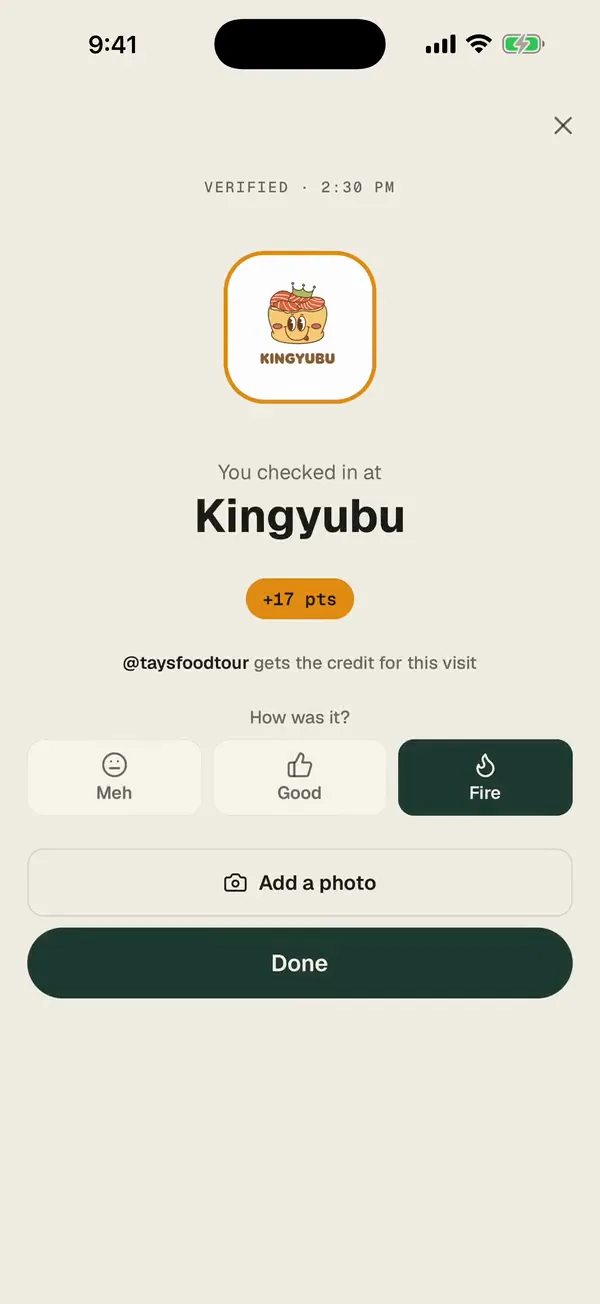
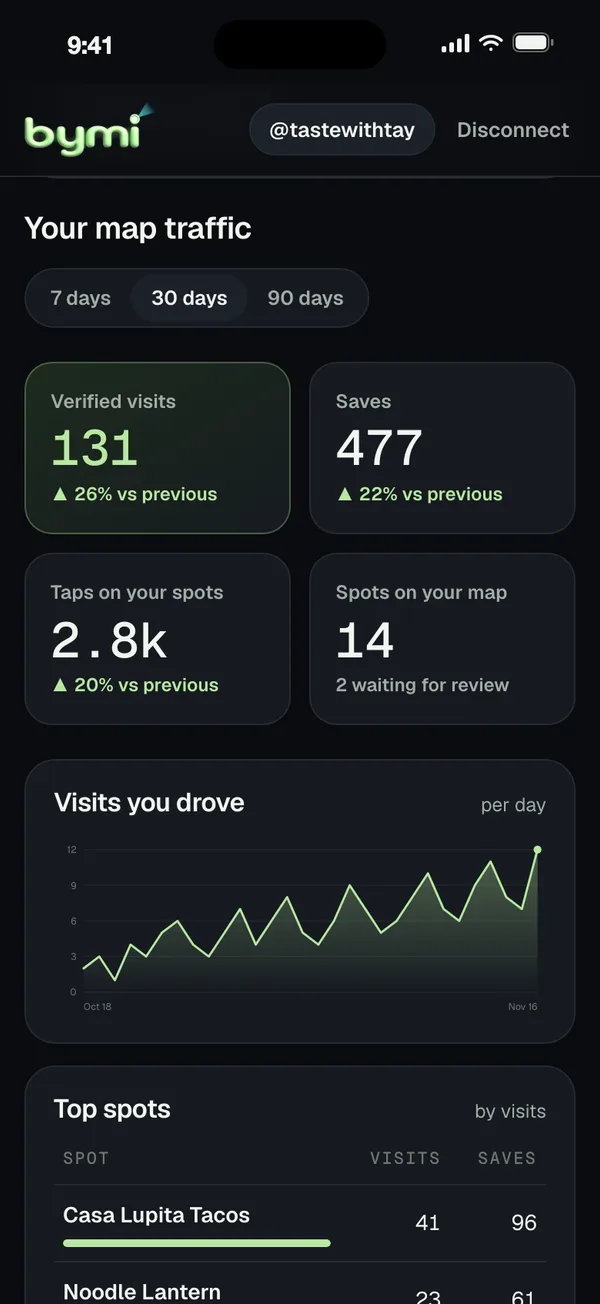
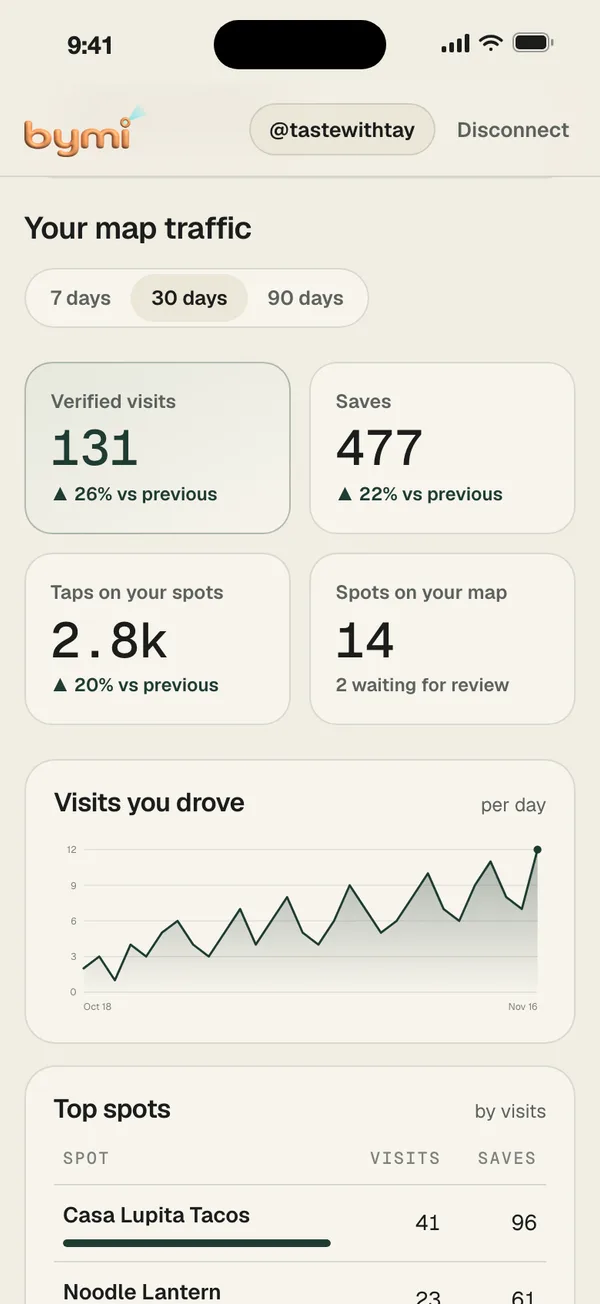
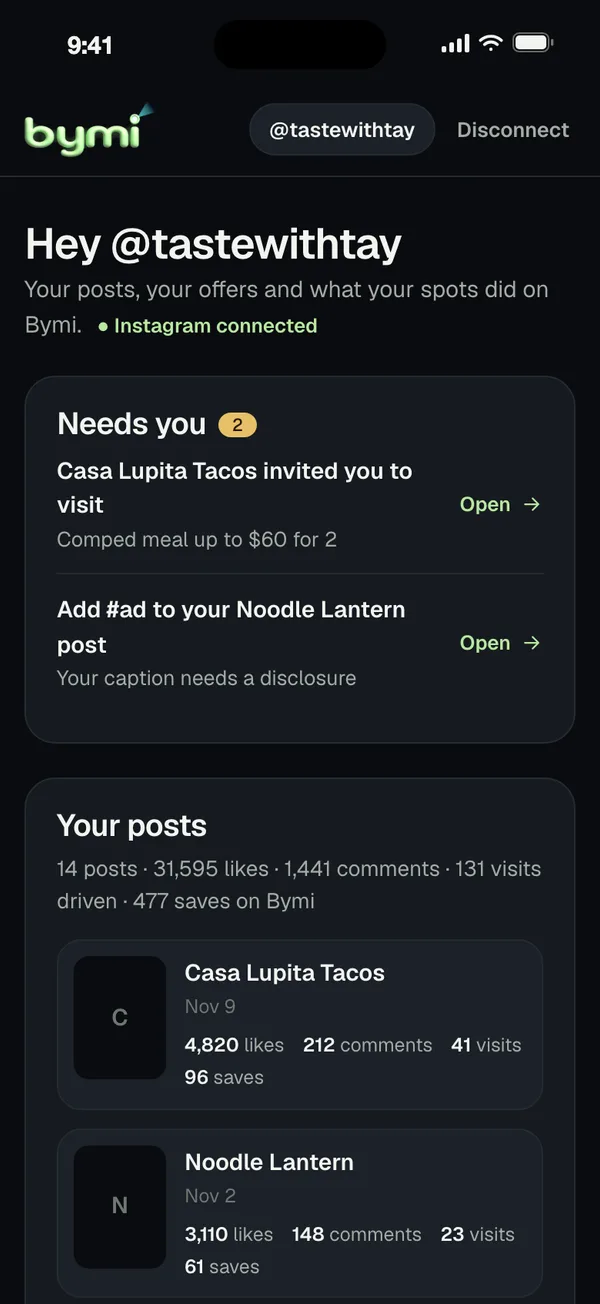
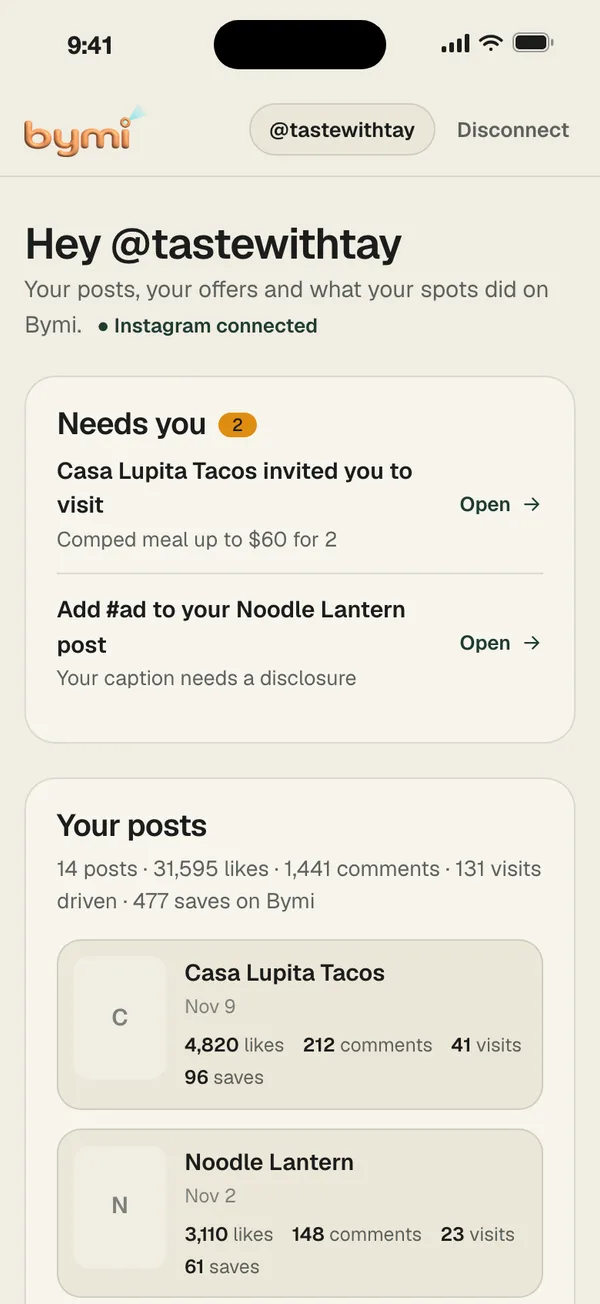
The first two screens are the Bymi map that people use. The last two are your dashboard at bymi.app/creator, shown with an example account.
-
01
People watch your reel first
A tap on your pin plays your original reel with Instagram’s official embed. People see the food before they go, and the view is yours.
-
02
A check-in gives you the credit
At the restaurant, they tap I’m here. Bymi verifies the check-in and credits the creator whose post sent them.
-
03
See what each post did
Your dashboard counts verified visits, saves and taps for your map, day by day and spot by spot. A count under 5 shows as “<5”.
-
04
Restaurants come to you
Invites show at the top of your dashboard under Needs you and in Collabs. Open one to see the offer, the dates and what the restaurant would love you to post, then accept, counter or decline.
Your Instagram, your call
Nothing is public until you say so.
Bymi shows only posts from creators who connected their own Instagram and published their map. Read the details in the privacy policy.
- Official Instagram loginYou connect on Instagram’s own page and choose what to allow.
- Your account onlyBymi reads only your own posts, to build your map. It posts or replies only when you click.
- You approve each spotNo spot appears anywhere until you approve it.
- Unpublish at any timeTake one spot or your whole map down from your dashboard.
- Your stats stay yoursInstagram stats show only to you, unless you choose Share with a restaurant on a collab. Stop sharing at any time.
Optional
Reel performance
Turn on Reel performance to see each reel’s views, reach and saves from Instagram next to the visits it drove on Bymi. Only you see these numbers.
About Reel performanceQuestions
Before you connect
Does it cost anything?
No. Connecting Instagram, publishing your map and your creator dashboard are free.
Which Instagram accounts can connect?
An Instagram professional account: Creator or Business. You sign in on Instagram’s own login page. Bymi never sees your password.
What does Bymi read from my Instagram?
Your profile basics (username, display name, profile picture) and your own posts: captions, post links, and public counts such as likes and comments. Bymi uses them to find the restaurants you featured and to build your map. It reads only your own content, never anyone else’s.
Does Bymi post or change anything on my Instagram?
Bymi changes nothing on your Instagram on its own. If you choose to use Post to Instagram, Comments or Instagram inbox, Bymi posts, replies, hides or sends only when you click. A scheduled post goes out at the time you picked, and you can cancel it before then. Comments and messages are not stored. Your reels play from Instagram with its official embed, and each spot links back to your original post.
Does every post go on the map?
No. Bymi suggests the restaurants it found in your posts. No spot appears anywhere until you approve it, and your map is public only when you turn it on.
Who sees my Instagram stats?
Only you. If you turn on Reel performance, your views, reach and saves show in your own dashboard next to the visits from Bymi. A restaurant sees your Instagram stats only if you choose Share with a restaurant on a collab. Stop sharing at any time.
What do restaurants see?
Total visit and save counts from creators’ posts. A count under 5 shows as “<5”. They never see who the guests are.
How do I take a spot or my whole map down?
Unpublish a spot, or turn your public map off, at any time in your dashboard. If you disconnect Instagram, Bymi removes its access, unpublishes your map, and deletes your spots and all your Instagram data right away.
Put your reels back on the map
It is free, and you approve every spot before it is public.
Official Instagram login · your posts only · unpublish anytime